React Native Devtools
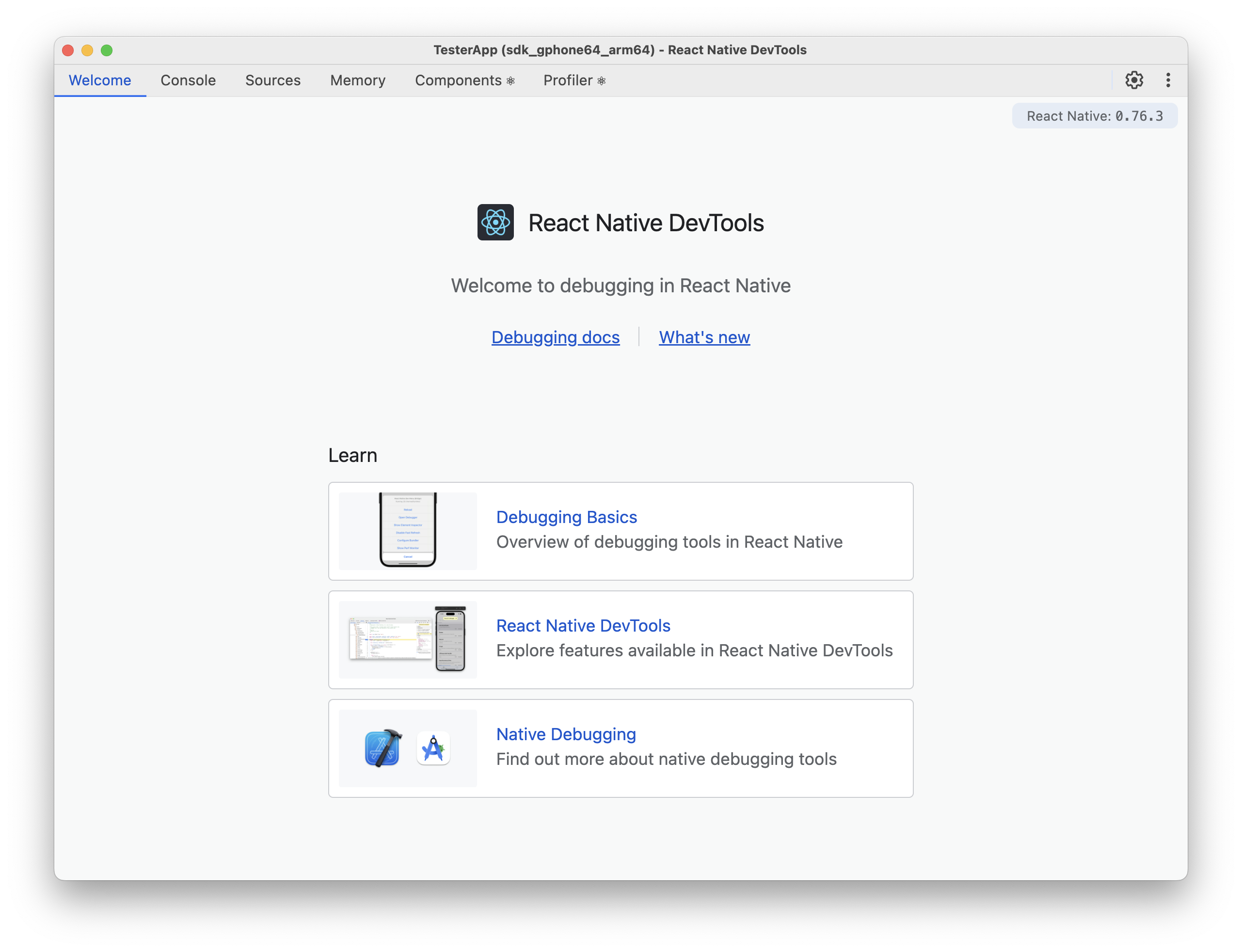
React Native Devtools are currently recommended way of debugging your React Native application. Re.Pack comes with built-in support for React Native Devtools.
Features
All the features of React Native Devtools are available in Re.Pack:
Usage
To start debugging your application, you can either:
-
Press
jin the terminal where Re.Pack dev server is running (remember to have at least one device connected) -
Open the Developer Menu by:
-
iOS Simulator:
Cmd (⌘) + D -
Android Emulator:
Cmd (⌘) + M
Then select "Open DevTools".
-
Usage with Module Federation
When using Module Federation, each remote will appear as a separate entry in the Sources panel. This makes it easier to debug federated modules by allowing you to:
- View and debug the source code of each remote independently
- Set breakpoints in federated modules
For example, if you have a host application with two remotes named "shop" and "checkout" each one will appear as a separate entry in the Sources panel.
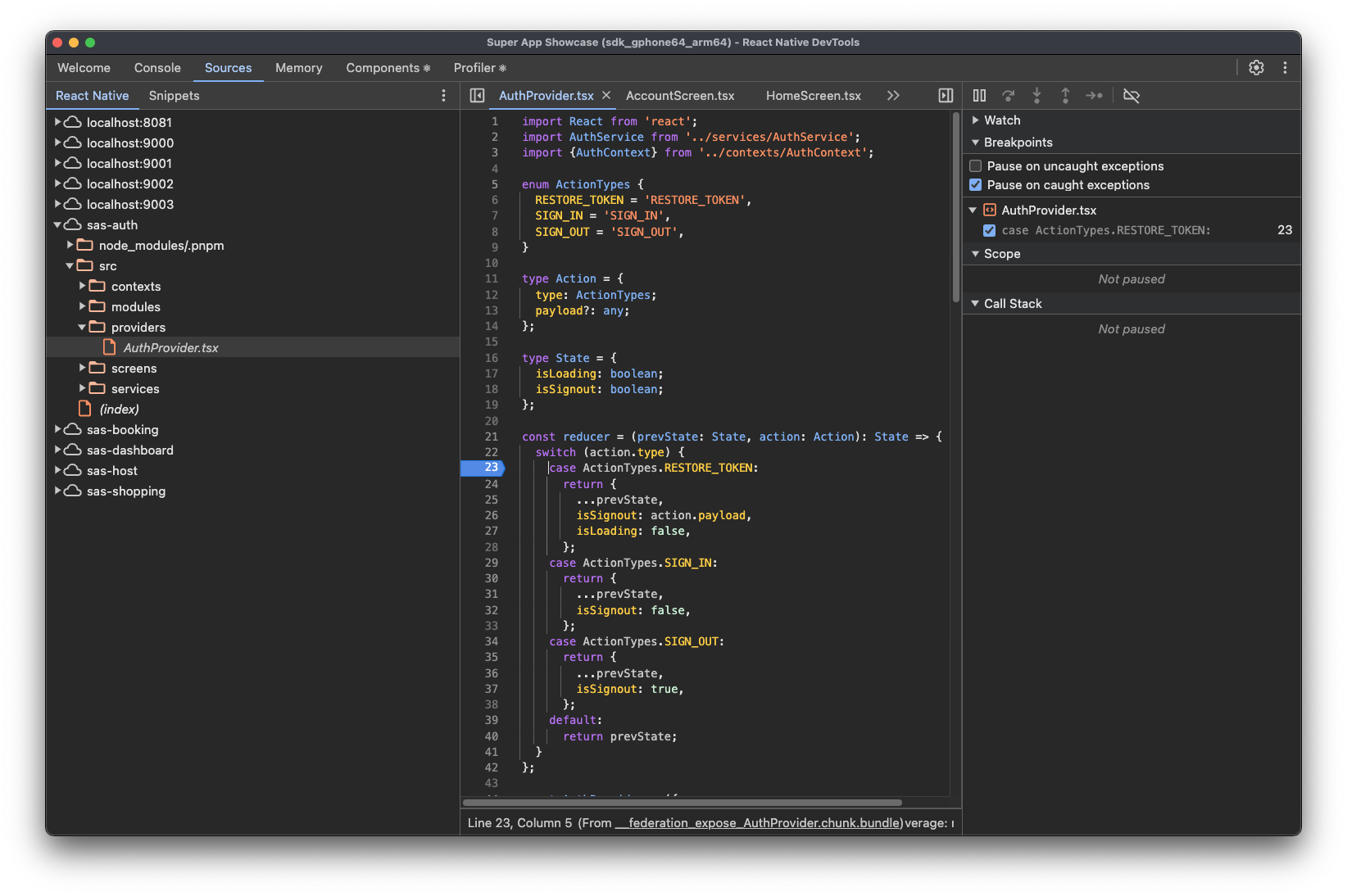
This separation helps maintain clear boundaries between different parts of your federated application during debugging sessions.
To learn more about React Native Devtools, check out the official documentation.