start
start or webpack-start is a command-line tool that starts the React Native development server with webpack integration.
Usage
In the root of an existing React Native project with Re.Pack, run this command in your terminal of choice:
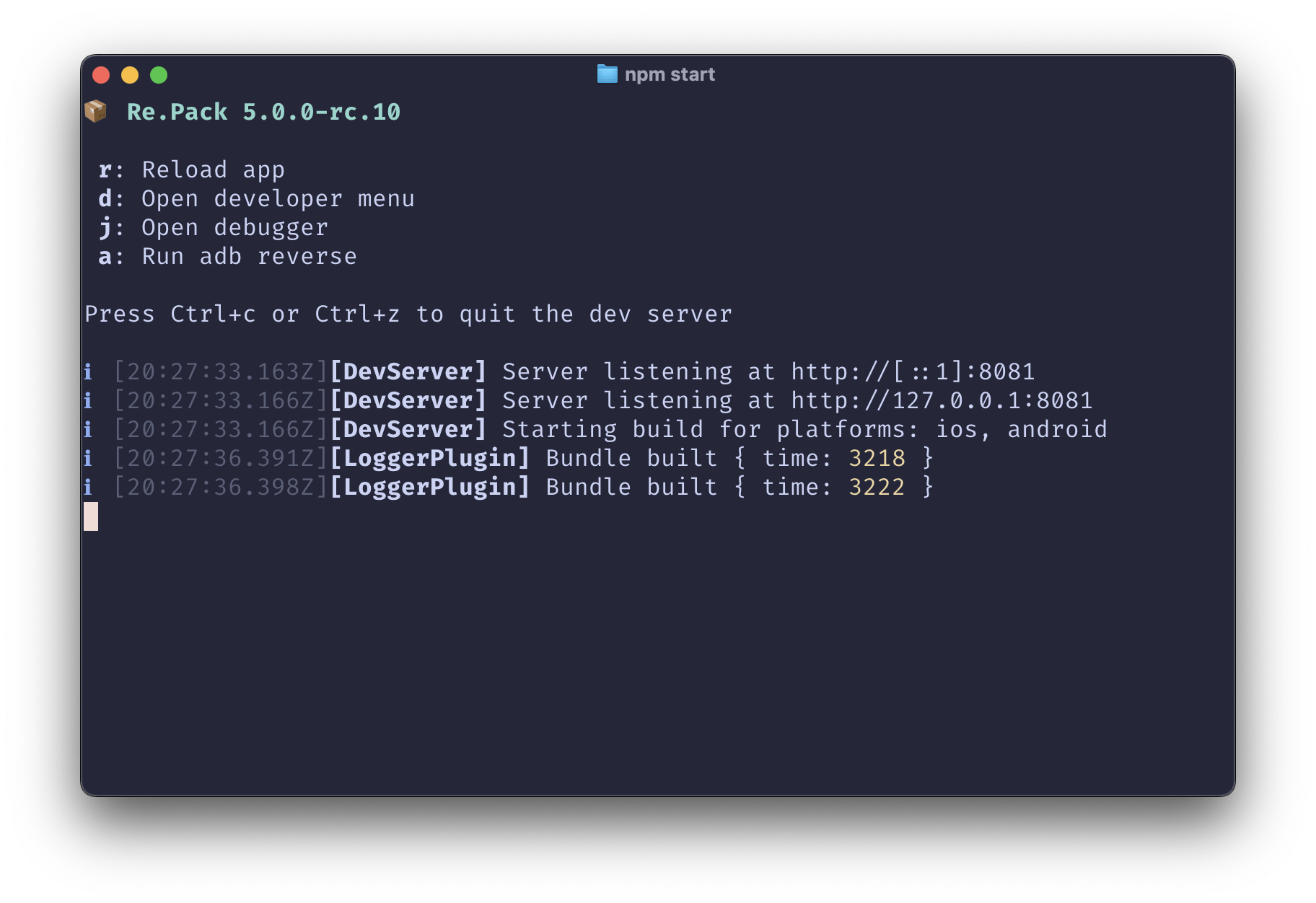
Options
--port
- Type:
number
The port number that runs the server on.
--host
- Type:
string - Default:
""
Set the server host.
--https
- Type:
boolean
Enables HTTPS connections to the server.
--key
- Type:
path
Path to custom SSL key.
--cert
- Type:
path
Path to custom SSL certificate.
--no-interactive
- Type:
boolean
Disables interactive mode.
--json
- Type:
boolean
Log all messages to the console/stdout in JSON format.
--log-file
- Type:
path
Enables file logging to specified file.
--log-requests
- Type:
boolean
Enables logging of all requests to the server.
--platform
- Type:
string
Run the dev server for the specified platform only. By default, the dev server will bundle for all platforms.
--no-reverse-port
- Type:
boolean
Disables running ADB reverse automatically when bundling for Android.
--reset-cache, --resetCache
- Type:
boolean
Resets the transformation cache.
--verbose
- Type:
boolean
Enables verbose logging.
--max-workers
- Type:
number
(Rspack only) The maximum number of workers to use for transformation parallelization. By default, the number of workers is derived from available CPU cores.
--config
- Type:
path
Path to a bundler config file, e.g webpack.config.js.
--webpackConfig
- Type:
path - Deprecated: Use
--configinstead
Path to a bundler config file, e.g webpack.config.js.
-h, --help
Display help for command.